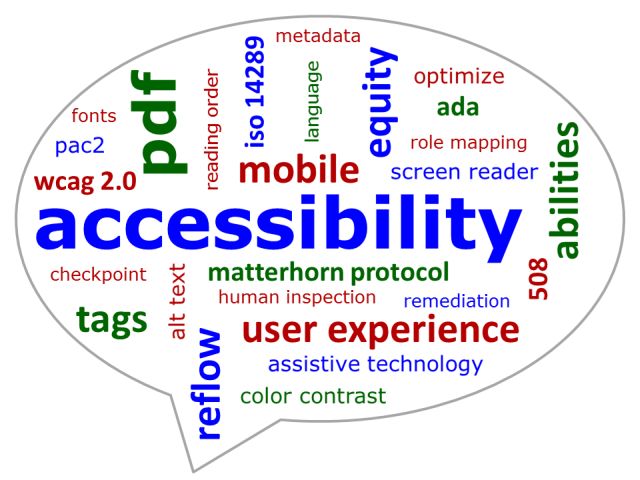
In a physical store, it is rather easy to see where accessibility accommodations are needed. Is there a ramp or elevator for wheelchair users? Do signs have braille or large lettering for the visually impaired? Unlike physical spaces, accessibility online isn’t always as apparent. However, there are actually a wide range of things web designers can do to ensure a website is accessible for everyone. Digital accessibility doesn’t just target users with disabilities, but also the elderly and users from foreign regions.
A Consistent, International Standard
The World Wide Web Consortium (W3C) developed a guideline to aid in this effort. To ensure a website is accessible, it must be operable (it can be operated from just a keyboard), perceivable (there are text alternatives), understandable (the content is easy to understand), and robust (the site is made to work with future technologies).
By prioritizing accessibility from the start, this ensures that inclusivity is built into the overall foundation. The overall design needs to be perceivable, so color and text size should be taken into consideration. An accessibility-first color palette allows users with color blindness to view your site without strain, while font types and sizes that are easier to read enhance readability. For users with dyslexia, a learning disorder that involves difficulty reading or swapping letters, or vision impairment, a minimum of 14-point sans serif font is recommended. Sans serif fonts, like Comic Sans and Arial, have less crowding and allow for more ease while reading.
Increasing Accessibility and Preventing Further Harm
Thoughtful visual design is essential not only for readability but also to prevent any unintentional harm to your users. What one person perceives as a bright and exciting design feature could seriously harm someone with photosensitivities. This is a trap that fiber arts database Ravelry fell into when redesigning their site. Their color choices and website animations led to a swarm of complaints from users, alerting them that the new site was giving people migraines and even triggering seizures.

Comparison showing different types of color blindness
Credit: Johannes Ahlmann, CC BY 2.0, via Wikimedia Commons
Consider the ways users will interact with your site. Are the parts of the webpage clearly defined and easy to navigate? According to New York University’s Accessibility Checklist, being descriptive in hyperlinks allows people to easily find their way around a website without any struggle. This clear labeling together with permitting navigation using multiple types of inputs (for example, allowing the use of a keyboard or a switch) will make your website accessible to those with a variety of visual and physical disabilities.
Lastly, incorporate alternative (alt) text descriptors for all images or non-text materials and header organization on each webpage. Moz, an SEO software company, says that around 61% of homepage accessibility errors come from missing alt text. Screen readers for the visually impaired or blind are able to easily play simple text for users with text-to-speech technology, but without alt text, there is no way for that tool to convey other materials on the page to its users. Descriptive alt texts will provide that extra context. Meanwhile, the headers allow them to quickly navigate to the most relevant sections for their needs.

Accommodations for the Few Benefit All
Together, all these components have the ability to widen your potential client or reader pool. Building accessibility into the code can end up boosting search results, bringing in more traffic, and broadening market reach by boosting your SEO. Around 83% of consumers with disabilities are more likely to shop at places using accessible design, even if the items are priced higher, according to Moz. It pays to think about accessibility. With boosts in SEO and growing interest from Gen Z consumers, thinking about all users and consumers can give you a huge market advantage.

Learn from real business case samples and empower your organization with DEI strategies. Visit our About Us page to explore further.